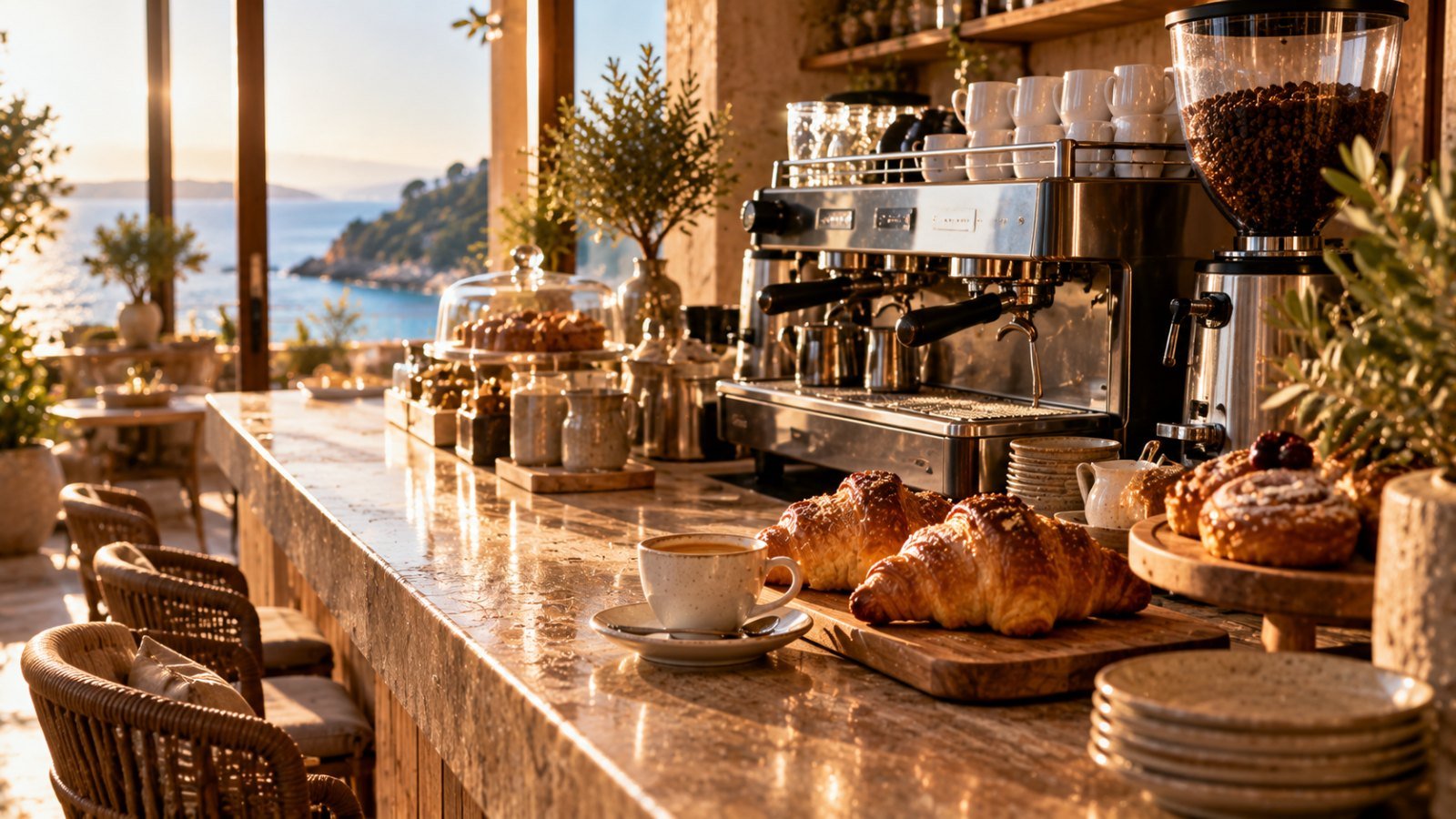
What people check before they walk into a café
Nobody reads a café website for the story. A visitor on a Varna street wants three answers in under ten seconds: is it open now, what does it serve, and is it close. Everything else is secondary. A café or bakery site should answer those three questions on the first screen, as text, and load before the person gives up and tries the next place on the map.
Opening hours: the part that goes wrong most often
Cafés and bakeries have the most irregular hours of any local business: an early start, a break in the afternoon, a shorter Sunday, a different winter timetable. Google's help page on opening hours explains how to enter a break: you create two entries for the same day with different times. For holidays and events it offers special hours, meant for changes where the business stays closed six days in a row or fewer.
The website should show the same hours as plain text, day by day, not as a photo of the sign on the door. If the Google profile says 08:00 and the website says 09:00, the visitor trusts neither. Pick one source of truth and update all three places, profile, website and door sign, in the same sitting. If the winter and summer timetables differ, write the date range next to each.
The menu as text, not as a photo
Many café menus online are a phone photo of the chalkboard or a scanned PDF of the printed card. Both are hard to read on a small screen, cannot be searched, and search engines or AI assistants often cannot pull the prices out of them. Put the core of the menu on the page as text: coffee and drinks, breakfast, pastries and cakes, with the prices you actually charge. Keep what changes daily, the soup or the cake of the day, in a short block at the top that you can edit in a minute. The photo of the display case can stay as a picture above the text, not instead of it.
Pre-orders: cakes, trays, events
For a bakery the real job of the website is often the pre-order: a birthday cake, a tray for an office, bread for a wedding table. A short form with date, pickup time, quantity and a phone number does more than a long contact page. Ask only for what you need and say how quickly you answer. The form collects personal data, so the page needs a privacy notice; our article on forms, maps and consent walks through the same points for a guesthouse and applies here too. It is general information, not legal advice.
Why a café site has to be light
Visitors are on mobile data, outdoors, often in bright sun and in a hurry. Google's Web Vitals guidance names three measures with targets: Largest Contentful Paint within 2.5 seconds, Interaction to Next Paint of 200 milliseconds or less, and Cumulative Layout Shift of 0.1 or less, judged at the 75th percentile of page loads. A homepage with an uncompressed camera photo, a background video and a slider struggles with the first one on a mid-range phone and a weak connection.
The fixes are plain: one hero image resized for the screen instead of the original camera file, no autoplay video, no slider, only the fonts the page really uses, and images with a set width and height so the text does not jump while they load. You can measure the current page for free with PageSpeed Insights, which shows data from real Chrome users and a lab test.
Locals all year, visitors in summer
A Varna café has two kinds of customers: locals who come all year and visitors who come in summer. A page in Bulgarian and English costs little and removes a barrier, because a visitor who cannot read the menu picks the café whose menu is readable. In winter the page does a second job: it tells people the timetable has changed. How that fits into being found out of season is covered in our off-season article.
What it costs and what I need from you
A site of up to five pages in Bulgarian and English starts at €490 net. Hosting starts at €24. For a café that usually means home, menu, location with hours and an enquiry page. I need your opening hours, the menu text, a few photos of your own place if you have them, and your answer to one question: should visitors come in, order, or ask?
Sources: Google Business Profile Help: Edit your opening hours · web.dev: Web Vitals
Frequently asked questions
Does a café need a website if it has a Google profile and Instagram?
The profile covers hours and location, and Instagram shows the mood. Neither gives you a menu with prices as text and a pre-order form that you control. A small website is the one place that belongs to you, and it can stay at four or five pages.
Is a PDF menu good enough?
A PDF is fine as a download for printing, but it should not be the main version. On a phone it is hard to read and harder for search engines to use. Put the main menu on the page as text and offer the PDF on top if you want.
How often do the opening hours need updating?
Whenever they change. For holidays use the special hours in the Google profile and add one line at the top of the website, then remove it afterwards.
Can customers order cakes through the website?
Yes, as an enquiry form with date, pickup time, quantity and phone number. Paying online is a separate decision, and starting with an enquiry is simpler. The form needs a privacy notice.
Tell me about your café or bakery and what you want visitors to do: walk in, order a cake or ask a question. I will tell you what the site needs and send a fixed price.
Not sure how your website performs today? The free website check tests the homepage, https, robots.txt, sitemap, error page and speed on mobile and desktop. You get the result by email.